
Nintendo DS Flash Carts
Nintendo DS collectors and enthusiasts often struggle to preserve their game libraries and expand storage capacity without damaging original cartridges. Nintendo DS Flash Carts solve this challenge by letting you play your backed-up ROM files directly on authentic hardware with expandable game storage. Shop the official store now and discover the most reliable solution for protecting your gaming collection.
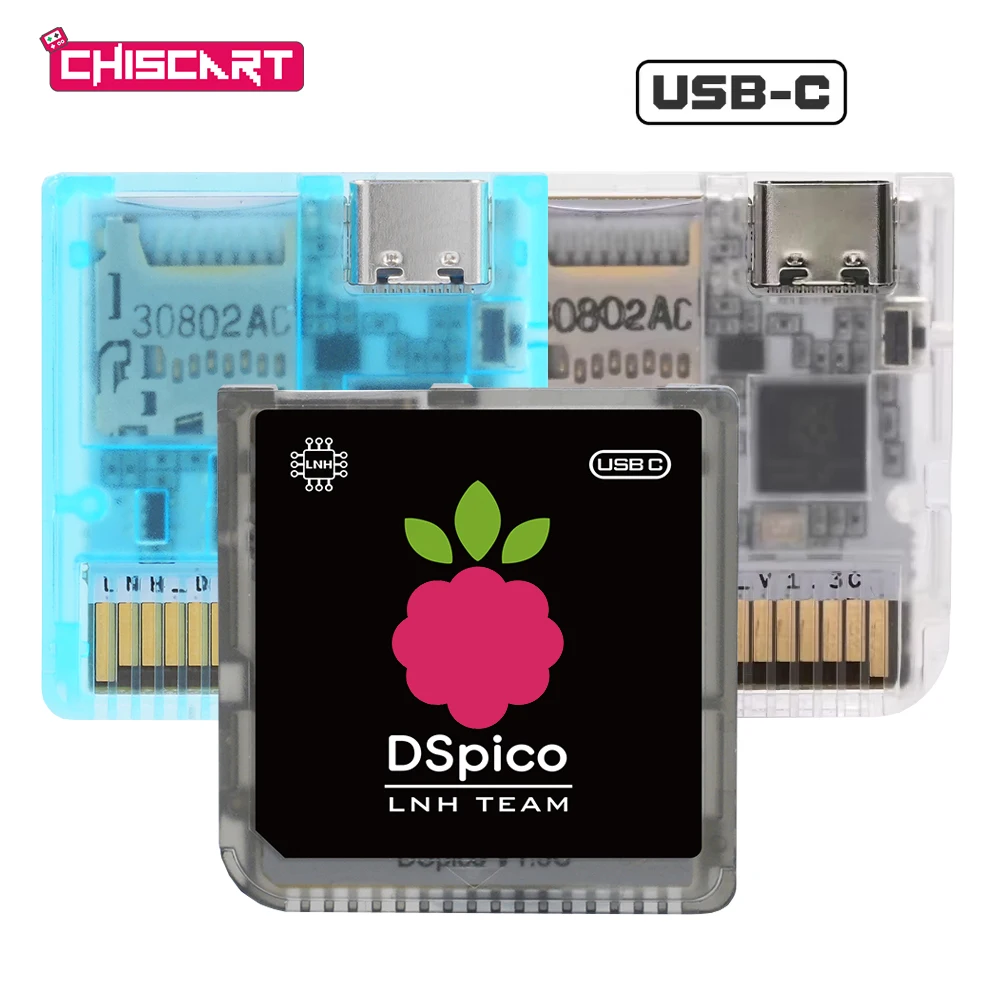
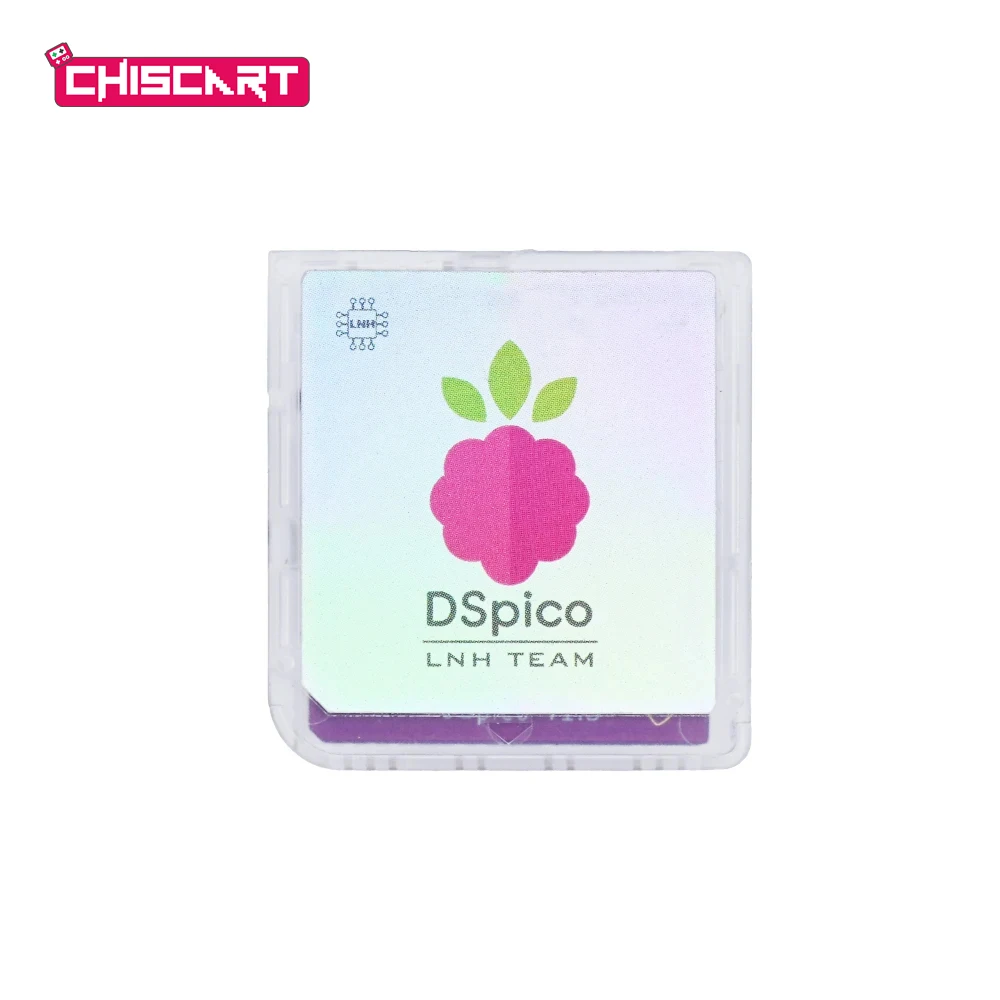
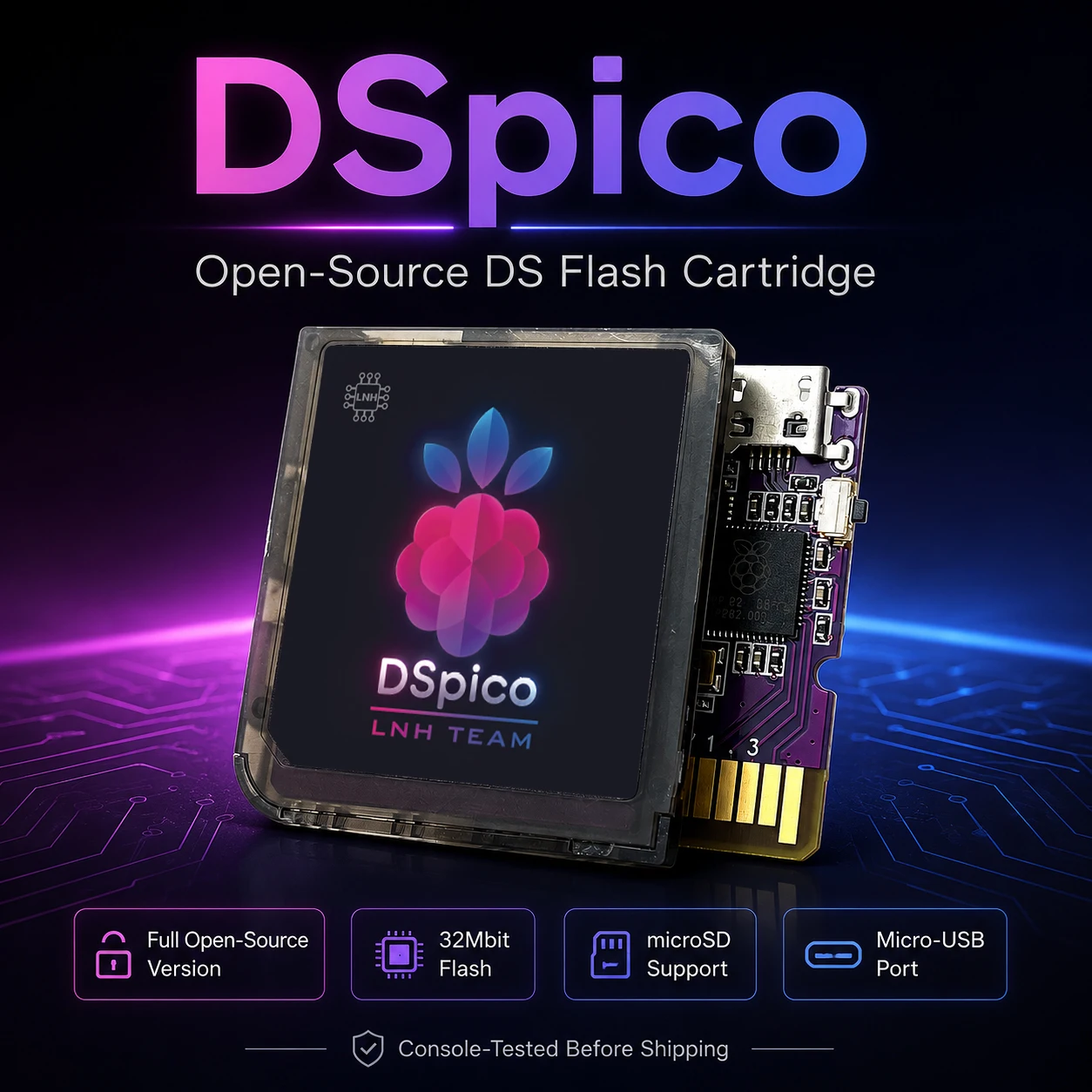
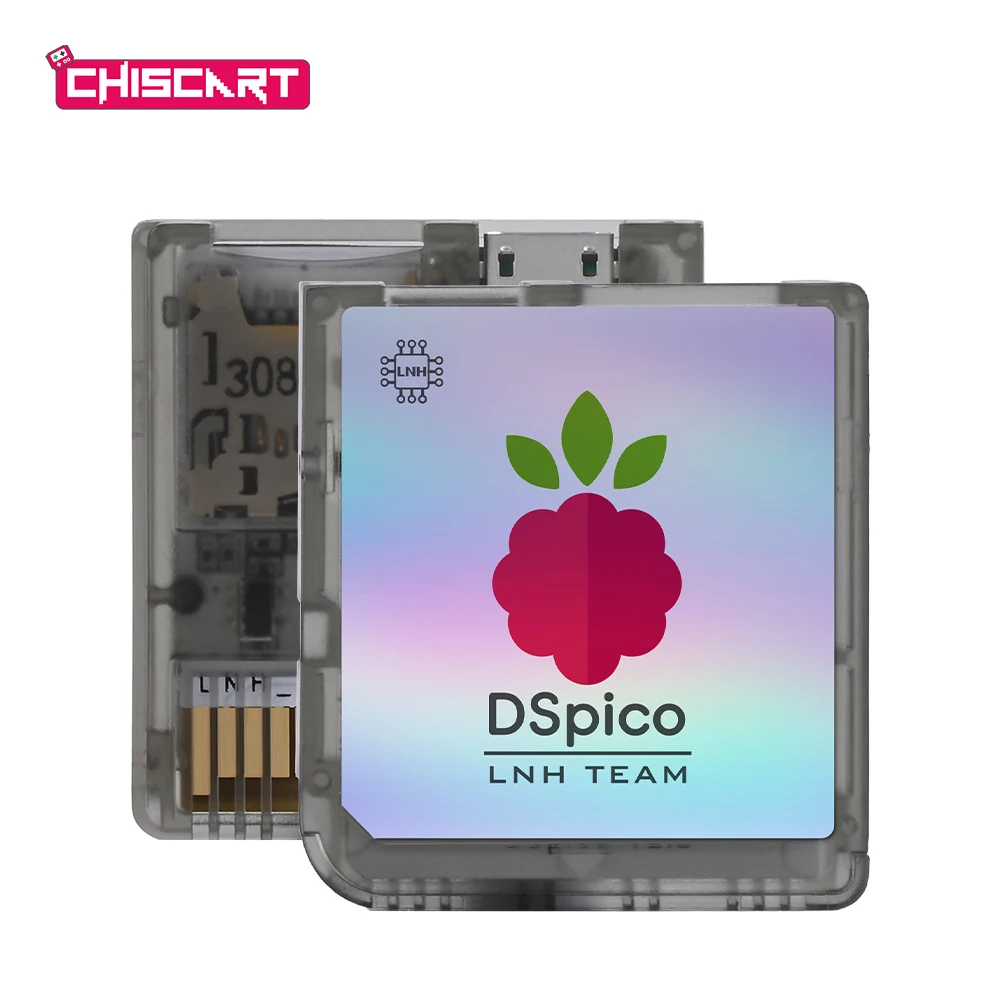
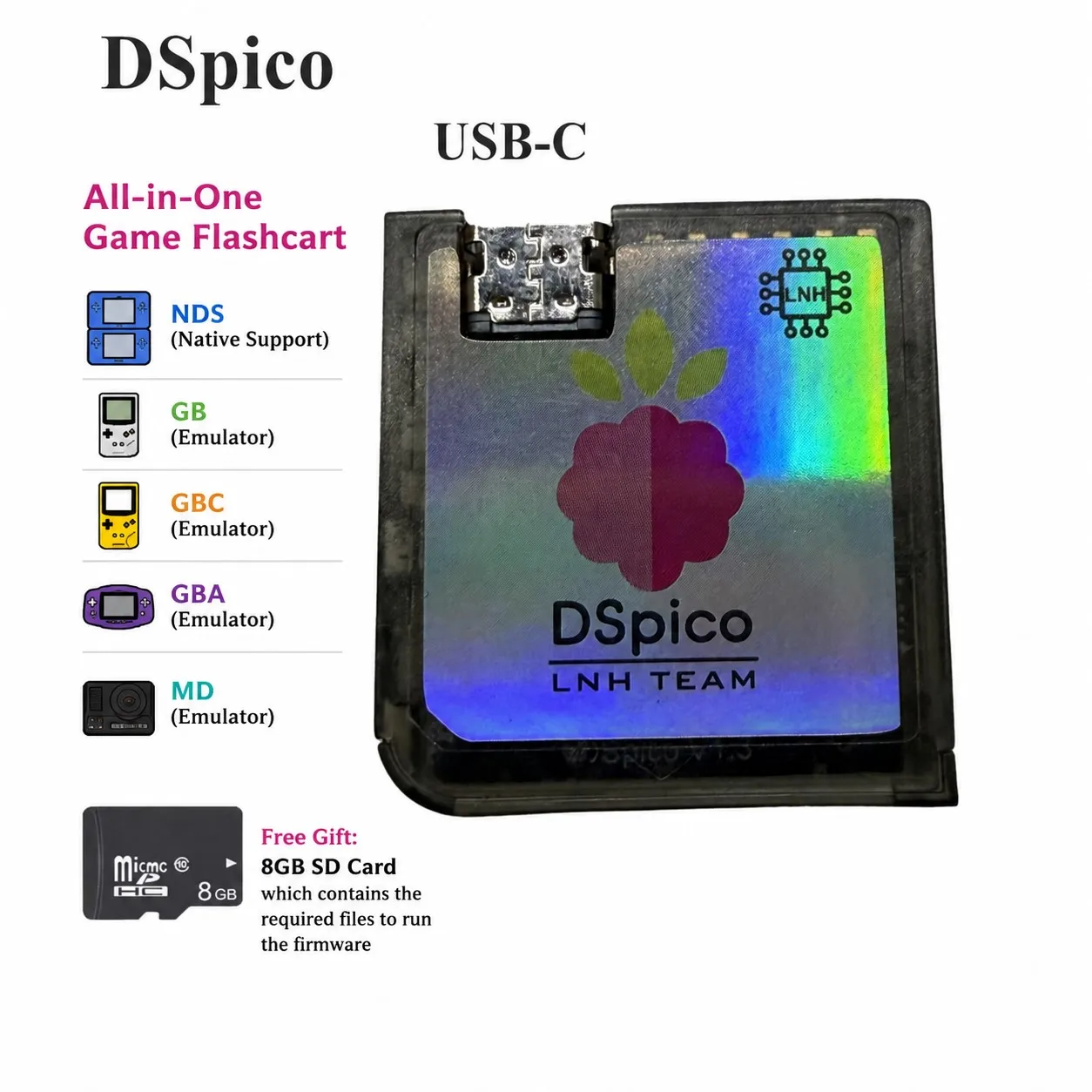
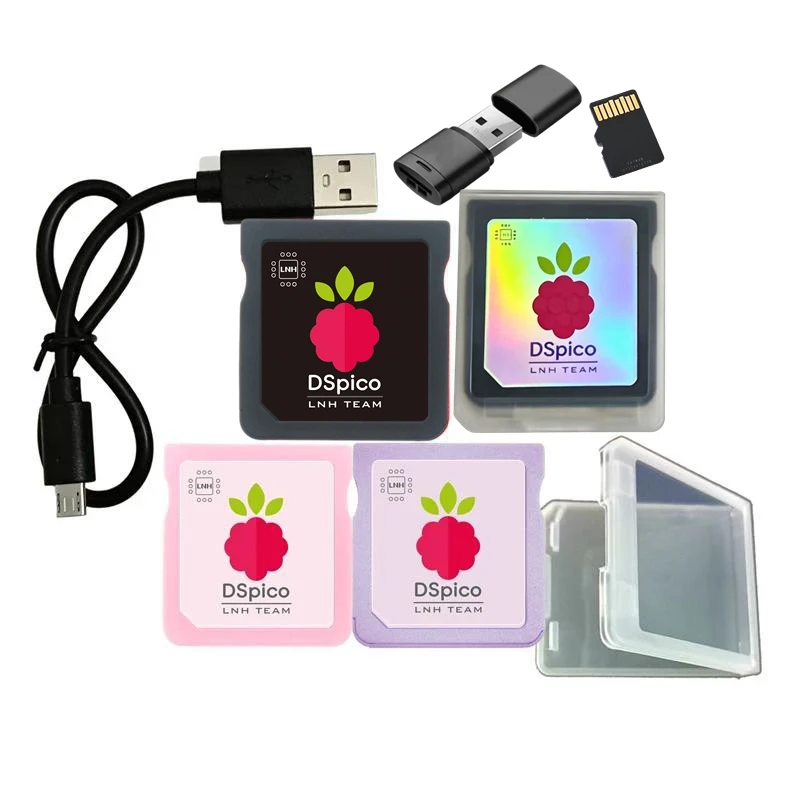
Nintendo DS Flash Carts for Collectors and Enthusiasts
Nintendo DS Flash Carts bring your entire ROM library to a single cartridge that works seamlessly with original hardware. These specialized carts support both DS and Game Boy Advance games on compatible systems, giving you maximum flexibility with expandable game storage on your device. Collectors appreciate that flash carts eliminate the need to carry dozens of physical cartridges while preserving your originals from repeated use and potential damage. Hobbyists benefit from quick loading times and reliable compatibility across all DS models, from the original Phat through the DSi XL. The technology reads your backed-up ROM files without requiring modifications to your console, keeping your hardware in pristine condition. Many enthusiasts use flash carts as part of a broader preservation strategy that includes microSD storage for thousands of titles. Whether you play casually or run ROM hacking projects, these carts deliver the practical storage solution you need.
Expandable Game Storage and MicroSD Integration
Most modern flash carts use microSD cards, which means expandable game storage grows with your collection at a fraction of the cost of buying new physical cartridges. A single 128GB microSD card holds thousands of DS and Game Boy Advance titles, eliminating cartridge swapping entirely from your gaming sessions. The read speeds of quality microSD cards ensure ROM files load as fast as original games, with frame-perfect performance across all supported titles. Installation requires no soldering or internal modifications—simply insert the microSD card into the flash cart slot and load your ROM files via your computer. This modular approach means you can upgrade storage capacity later without purchasing additional hardware or disposable cartridges. Collectors report that expandable game storage makes it practical to play their entire libraries without the physical footprint of traditional cartridge collections. The microSD format also gives you easy backup options, letting you preserve your ROM backups across multiple storage devices for true archival redundancy.
Why Nintendo DS Flash Carts Beat Physical Collections
Physical DS cartridges suffer from battery deterioration, label wear, and contact corrosion over decades of storage and play, but flash carts preserve your originals by eliminating repeated cartridge insertion. The cost advantage is substantial: a single flash cart with microSD storage costs less than purchasing three or four used cartridge copies of the same game. Performance-wise, flash carts deliver zero compatibility issues with original hardware since they use the same electrical interface as genuine cartridges from the factory. ROM hackers specifically choose flash carts because the ability to load modified ROMs directly means playtesting takes seconds instead of burning new physical cartridges for each iteration. Tournament players and speedrunners prefer flash carts for reliability—no worn contacts, no battery pack failures, no mechanical wear during intensive competition play. The preservation advantage extends beyond your own collection: flash carts make it practical to share your backed-up ROM files with other collectors, supporting the wider retro gaming community. Documentation shows that flash carts enable long-term archival strategies that physical cartridges alone cannot achieve after 20+ years of storage.
Choosing Your Nintendo DS Flash Cart and Best Practices
Select a flash cart based on your system compatibility needs: some models work on all DS versions while others optimize for specific hardware generations like the original DS Lite or DSi systems. Your microSD card choice matters—quality brands rated for sustained write speeds ensure smooth ROM transfers and reliable playback without occasional freezing or save file corruption. Most collectors recommend starting with 32GB or 64GB microSD cards, which hold thousands of titles while remaining practical to manage through your computer’s file system. Before loading ROMs, verify that your backup files are clean and complete by testing them with emulators on your computer first, which saves troubleshooting time later. When using expandable game storage across multiple microSD cards, organize your ROM folders by series or console generation so you locate titles quickly during gaming sessions. Installation typically takes 5–10 minutes and requires only a USB card reader to transfer ROM files from your computer to the microSD card. Order online from the official store today to get authentic hardware with proper warranty coverage and verified compatibility with your specific DS model.